

A solar job folder can contain every requested attachment and still leave an important technical question unanswered. The drawings open, the customer details match and the equipment schedule is readable. Those are useful checks. They do not establish that the design suits the site or that the installed system complies.
The practical answer is to give document quality checks and professional assessment separate owners, questions and outcomes. This workflow is an administrative aid for Australian PV businesses, based on primary guidance checked on 23 September 2026.
Define what each review actually confirms
An administrative review checks the records against an agreed document request: are they present, identifiable, readable and consistent? A technical review assesses the matters within the responsible professional's scope. A required declaration records statements that its signatory must be entitled and able to make.
For PV systems seeking STCs, CER specifies the relevant SAA accreditation and applicable design, installation and jurisdictional requirements. A business cannot replace that work with an internal “quality checked” label. CER: rooftop solar installers and designers.
Also distinguish a designer's document review from installer sign-off. SAA's Technical Requirements define installer sign-off through testing and commissioning; it is not simply reviewing a PDF. SAA Technical Requirements, section 3.1.
Name the reviewer for each activity before allocating the job. Our PV design support guide explains how administrative preparation can support those professional roles.
Use a two-column review sheet
Start the sheet with the job reference, review purpose, document set, administrative reviewer and responsible technical reviewer. Use the following pairs to define the boundary. This is an original management template, not an exhaustive compliance checklist.
| Administrative document check | Qualified technical assessment |
|---|---|
| Site identity: compare the address and job reference across the supplied records; flag mismatches. | Determine whether the design and supporting information actually describe the site and proposed work. |
| Evidence: confirm requested attachments open, pages are readable and sources are recorded. | Decide whether the evidence is adequate, reliable and sufficient for the assessment. |
| Equipment: compare make, model and quantity fields against the supplied source; list discrepancies. | Assess equipment suitability, ratings and compatibility for the proposed system. |
| Layout and mounting: locate the requested drawings and supporting documents. | Assess roof fit and applicable mounting requirements; identify any necessary specialist input. |
| Calculations: confirm the requested report is present and identifies its inputs. | Evaluate the assumptions, method and site-specific results. |
| Network records: identify the supplied application, agreement or correspondence and unresolved questions. | Assess applicable connection requirements within the reviewer's scope, referring matters to the relevant authority where needed. |
| Review evidence: locate the response and confirm it identifies the documents considered. | Make and record the assessment, conditions and required professional declarations. |
SAA identifies designer responsibilities including site-specific design, equipment specifications, roof fit, mounting compliance and inverter compatibility. The right-hand column prompts professional review; it does not reproduce all those requirements. SAA Technical Requirements, section 3.3.
Write findings the next person can resolve
Give every finding an observation, document reference, owner and requested response. “Please fix the pack” is hard to action. “Page 2 references a report that is absent; document owner to supply the referenced report or confirm the reference needs correction” is specific.
Separate a missing file from an unanswered technical question. Receiving an attachment can close a retrieval task while leaving the technical review open. Let the qualified reviewer decide whether the new material answers their question.
Use outcomes such as “records checked; two discrepancies referred” rather than a single pass mark across the job. Record exactly what was checked. If an administrator checks ten fields, their completion note should not imply that they assessed everything inside the documents.
Have the responsible professional identify any engineering assessment or approval needed for the particular project and jurisdiction. Record the required scope and appropriate reviewer. Neither the presence nor absence of a document called “engineering certificate” settles that question.
Test the sheet with an ordinary discrepancy
Consider a hypothetical review of a rooftop PV pack. The document index lists a mounting assessment, but its attachment opens to an unreadable scan. The remaining drawings are legible and all filenames use the right job number.
The administrator records the unreadable attachment and requests an accessible copy. They do not mark the mounting review complete because a file occupies the expected folder position.
The replacement arrives. The administrator records receipt and readability, then passes it to the responsible reviewer. That person determines whether it applies to this roof, covers the proposed arrangement and answers the technical question.
If further evidence or specialist assessment is required, record that outcome and its owner. The administrative task may be complete while professional review remains pending. Showing both states prevents a tidy folder from concealing unfinished work.
Keep declarations separate from internal checklist completion
CER requires designer and installer compliance statements covering their specified responsibilities. It also assigns obligations to the installer who completes testing and commissioning. An internal document-check sheet cannot stand in for these records. CER: after-installation requirements.
Retailer statements are another distinct responsibility: CER requires an authorised business representative to sign them and understand the statements being made. Do not treat a technical review response as the retailer's declaration. CER: retailer written statements.
The administrator can track missing records, direct requests and file responses. They should record the actual signatory's action, rather than applying a signature or approval on someone else's behalf. Keep the reviewed document set identifiable using a PV revision register.
Improve the review using actual missed items
When a reviewer returns a pack, classify the reason: inaccessible evidence, inconsistent identifiers, missing requested material or a technical issue requiring professional work. Update administrative instructions where they would have caught a document defect earlier. Leave technical acceptance criteria with the qualified reviewer.
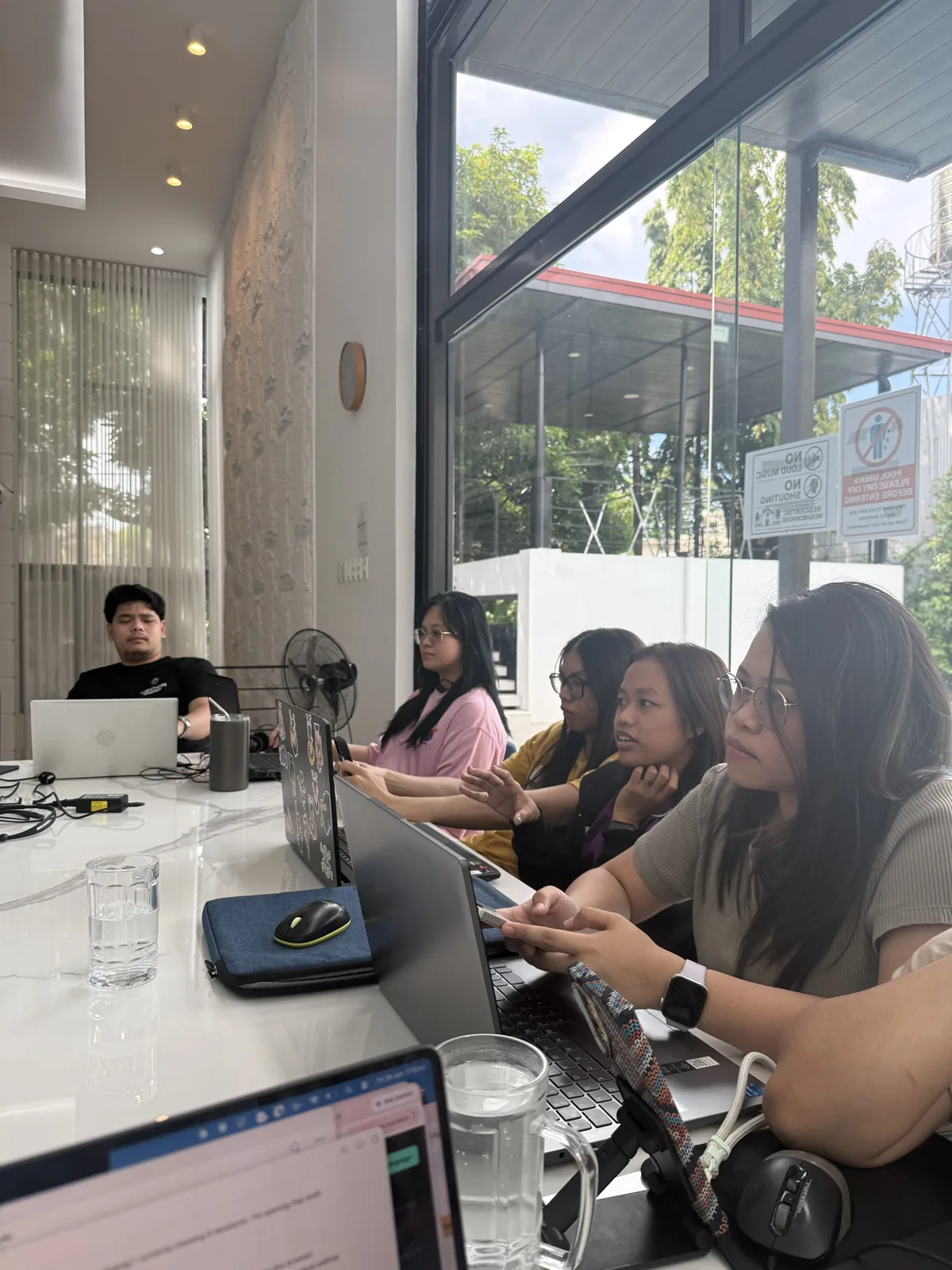
A Filipino solar administrator can run these document checks and coordinate the findings queue. Start with one agreed sheet and review a sample together. Measure the document defects reaching the reviewer and unresolved findings, rather than rewarding the number of green ticks.
Talk with Nexus about solar administration support to organise the work around your technical team.